
Between October 17 and 20, 2026, Google, Apple, Microsoft and Mozilla stopped trusting eight certificates from a company called eMudhra because their keys were weak or compromised. Those certificates sit behind your browser's padlock, so a failure like this could have let a fake page pass for your bank's.
Understand what the browser padlock actually guarantees and what to do so nobody fools you with a fake one.
Eight signatures that stopped counting
In just four days, Google, Apple, Microsoft and Mozilla stopped trusting eight certificates from the same company, eMudhra. That might sound far away, but certificates like these are behind the little padlock you see next to a website's address. That padlock is the signal we all rely on to know we're on the right site, whether it's the bank, an online store or email. So the question matters: what happens when whoever signs that guarantee can't be trusted anymore?
The ID card every site shows your browser
In 1990, Berners-Lee and Cailliau pitched the Web to CERN: a way to hop from page to page using links. Today, every page also has to prove who it is. When you go to your bank's site, your browser asks for its certificate, kind of like checking an ID. If it's properly signed, you get the padlock. Only a handful of authorities sign these IDs, and the head office rarely signs directly; its branches do. On October 17, it came out that eight eMudhra branches had a weak or compromised seal, the key they sign with.
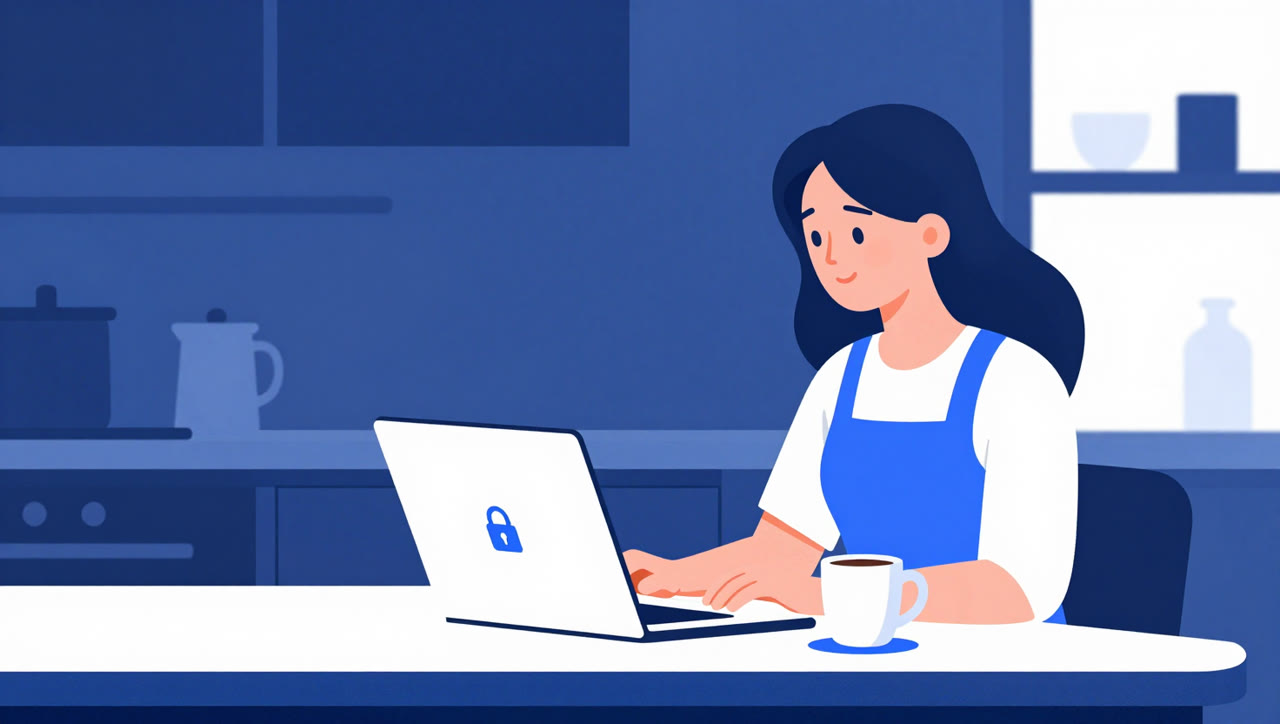
A fake bank, padlock included
With a seal like that, someone could have copied a bank's website, and anyone visiting from a coffee shop's Wi-Fi would still have seen the padlock. Your browser checks the chain of signatures one by one, and if they match, it shows the padlock. It has no way of knowing whether someone copied the seal. Here's the interesting part: website IDs are logged in a public record, and none from those branches were there. That's why, according to Google, Chrome couldn't accept a fake one. Mozilla says Firefox users with standard settings were protected automatically.

What the company says
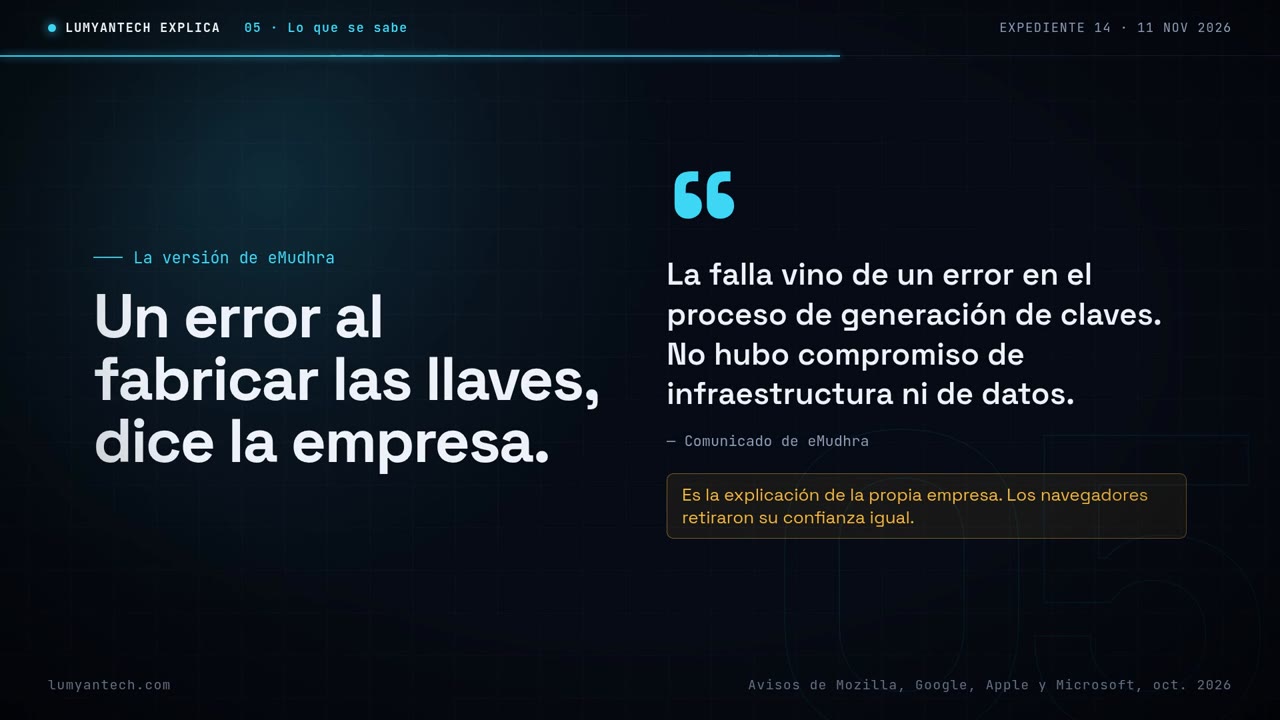
Of the eight affected branches, six signed certificates for websites and two signed software. eMudhra says no one broke into its systems, that its data wasn't compromised, and that the whole thing came down to a mistake when the keys were generated. It also says those branches never issued any publicly trusted certificates. That's the company's version of events. Even so, the browsers blocked the certificates, because a weak or compromised key can't vouch for anything anymore.
From browsers to email, plus the hotel trap
The block didn't stop at the browser. Apple blocked twelve certificates tied to this case in Safari, in Mail and on its Macs. Google applied it in Chrome and Android, and Microsoft in Windows and Edge, with more changes announced for November 16, 2026. This case was shut down in time, but a similar trick is out there: hotel or office Wi-Fi that asks you to install a certificate. Normal Wi-Fi just asks for a password. If it asks for a certificate, that certificate can see what you're doing, even with the padlock showing.

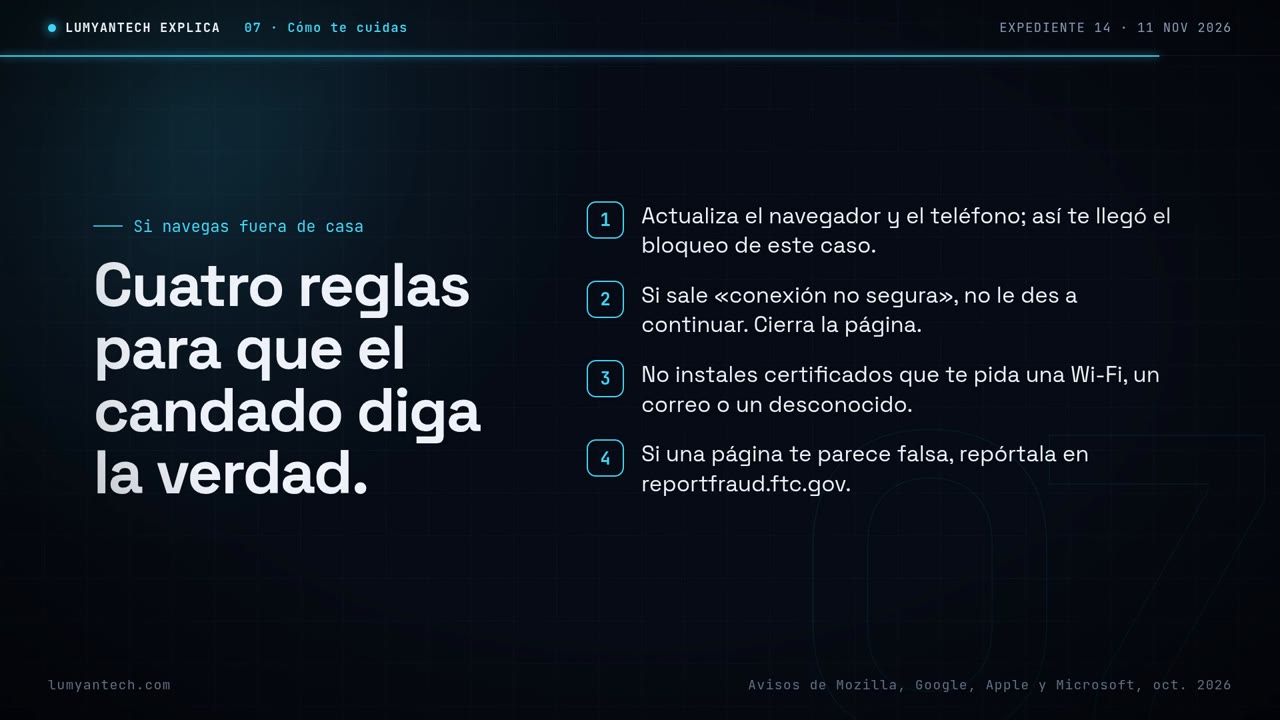
Four rules to keep the padlock honest
If you use Wi-Fi away from home, at a coffee shop, a hotel or the office, these four rules keep the padlock meaningful.
The padlock is only as good as whoever signs it, and your updates are what tell you when that signature stops being good.
Sources
- blog.mozilla.org · blog.mozilla.org
- blog.google · blog.google
- support.apple.com · support.apple.com
- microsoft.com · microsoft.com
- emudhra.com · emudhra.com
- nvd.nist.gov · nvd.nist.gov
Verified on November 12, 2026
Would you rather we handle it? Book a call