
On Thursday, November 12, a server failure at Microsoft knocked out Outlook, Teams and other work tools, and no attack was involved. That same week, Microsoft fixed an Outlook security flaw that attackers are already using, and an outage is the perfect moment for a scam email.
Understand why Microsoft 365 went down and how to avoid falling for a scam email when it happens.
Outlook stopped opening on a Thursday
On Thursday, November 12, close to 130,000 people reported on Downdetector, the site where people flag outages, that their Outlook wouldn't open. The reports spiked shortly after 1 p.m. Eastern. Your first thought is probably a cyberattack, but Microsoft says nobody attacked it. Picture a florist who needs to confirm an order. She opens Outlook and it just won't load. So how does something that big go down on its own?

Thousands of servers and a health check
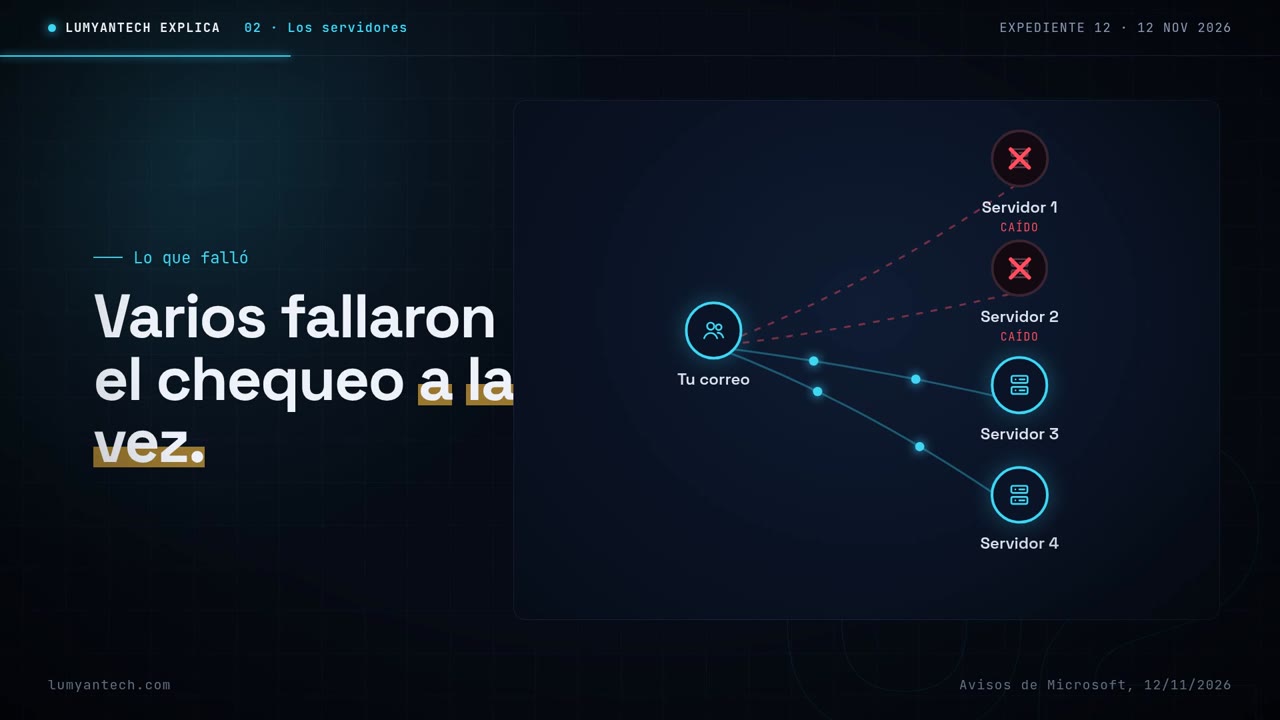
Your email doesn't live on one computer. It lives on thousands of servers, big computers that work as a team. An automated system runs health checks on them, and any server that fails gets pulled off duty so it doesn't cause trouble. According to Microsoft, what was unusual that Thursday was that several servers started failing that check at the same time, which nobody expected. Microsoft said the incident began at 1:26 p.m. Eastern.
Fewer hands for the same work
One by one, those servers went out of service, with no attack involved, according to Microsoft. All the work then landed on the servers that were left. There weren't more users than usual. There were just fewer hands for the same load, and the rest got overwhelmed. That's why, in another office, someone trying to join a Teams meeting stared at a screen that never stopped loading. And it wasn't just email. Teams, Copilot and SharePoint, where many offices keep their files, failed too.

A slow, step-by-step recovery
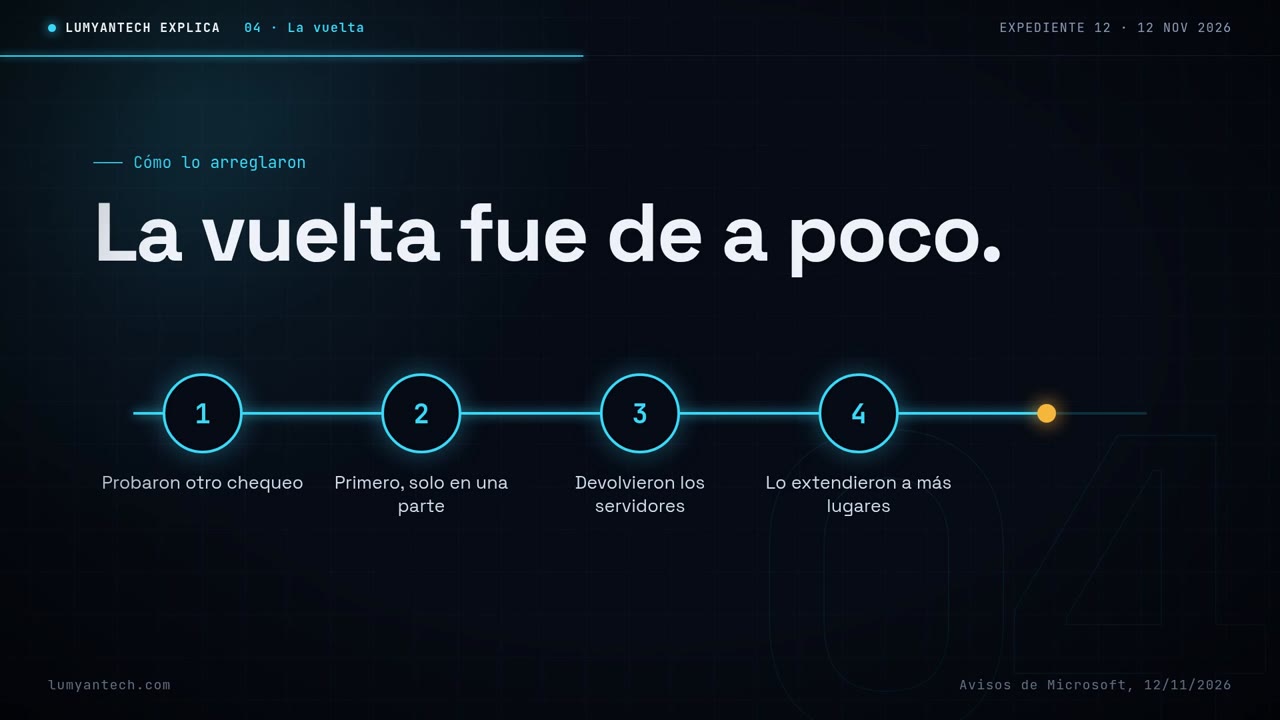
To fix it, Microsoft tried a different way of running the health check, starting with just one part of its system. With that change, it began bringing servers back to work, then rolled it out gradually to more places. Meanwhile, it was also looking at rerouting traffic to other servers. That's why service didn't come back for everyone all at once. The recovery happened little by little, one part at a time.
What's confirmed and what isn't
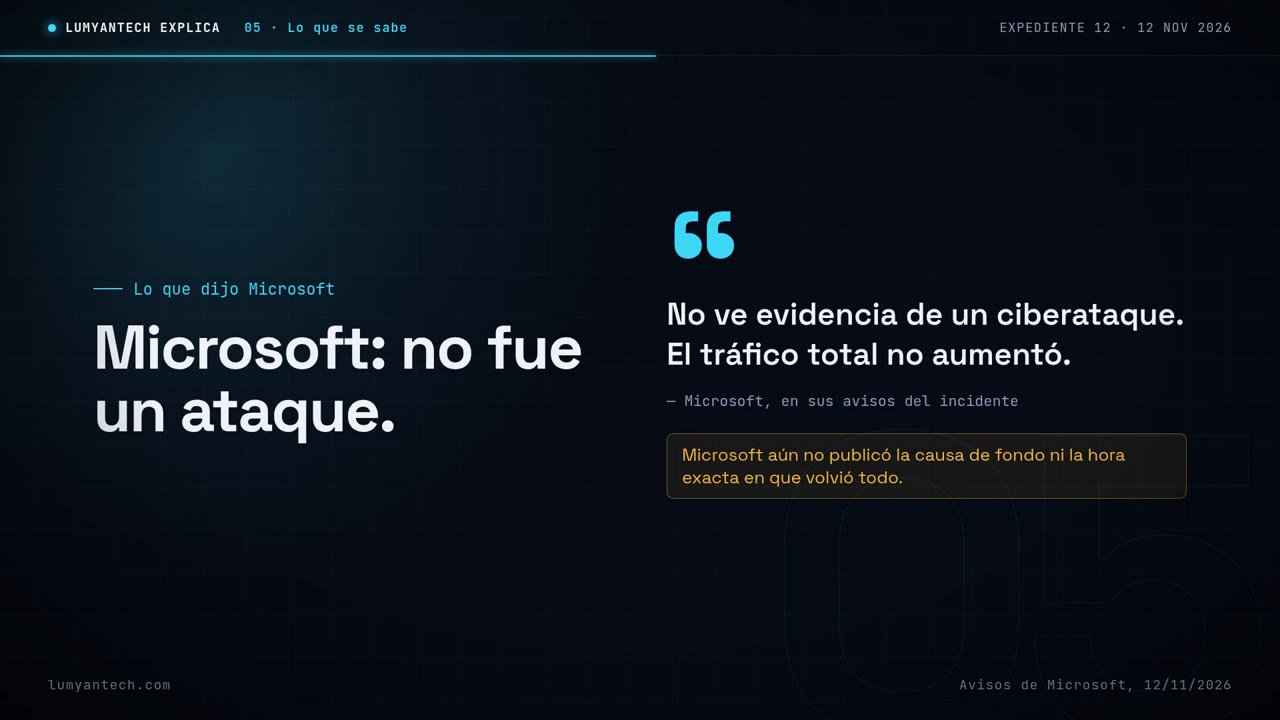
Microsoft said it saw no signs of a cyberattack and that overall traffic hadn't gone up. In other words, it wasn't an attack or a flood of users. The company tracked the incident in its notices under the codes EX1550543 and MO1550821. What it still hasn't explained is the bigger question: why those servers started failing the health check at the same time. Until Microsoft says so, the root cause remains unconfirmed.
Much more than email
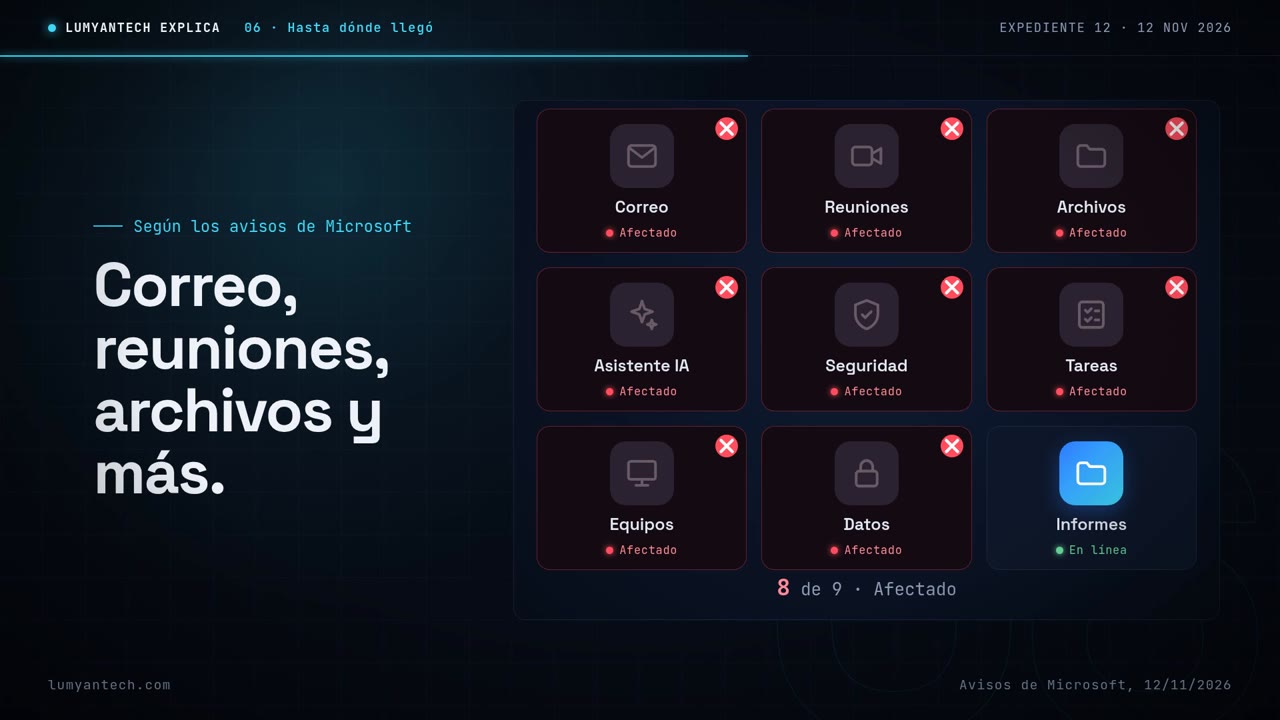
Microsoft's notices list Outlook and Exchange Online, Teams, SharePoint, the Copilot AI assistant and Defender XDR, a security tool. Copies of those notices also include Planner and To Do, which help organize tasks, and Intune, which helps manage devices, plus Purview and Power BI. For a small office, that can mean losing email, meetings and shared files all at the same time.
The other trap that same week
Something else happened with Outlook that week. On November 10, Microsoft released a fix for a security flaw, and the U.S. cybersecurity agency confirmed attackers are already using it. The flaw is triggered when you open a booby-trapped file. Just viewing the email in the preview pane doesn't trigger it. It affects people using work or school versions of Outlook or Office listed by Microsoft. Now put the two together: Outlook just went down, and an email arrives asking you to open a file to "reactivate" your account.

How to protect yourself
When Microsoft goes down, Microsoft fixes it, and you don't need to reactivate anything. If you use Outlook for work, follow these four rules.
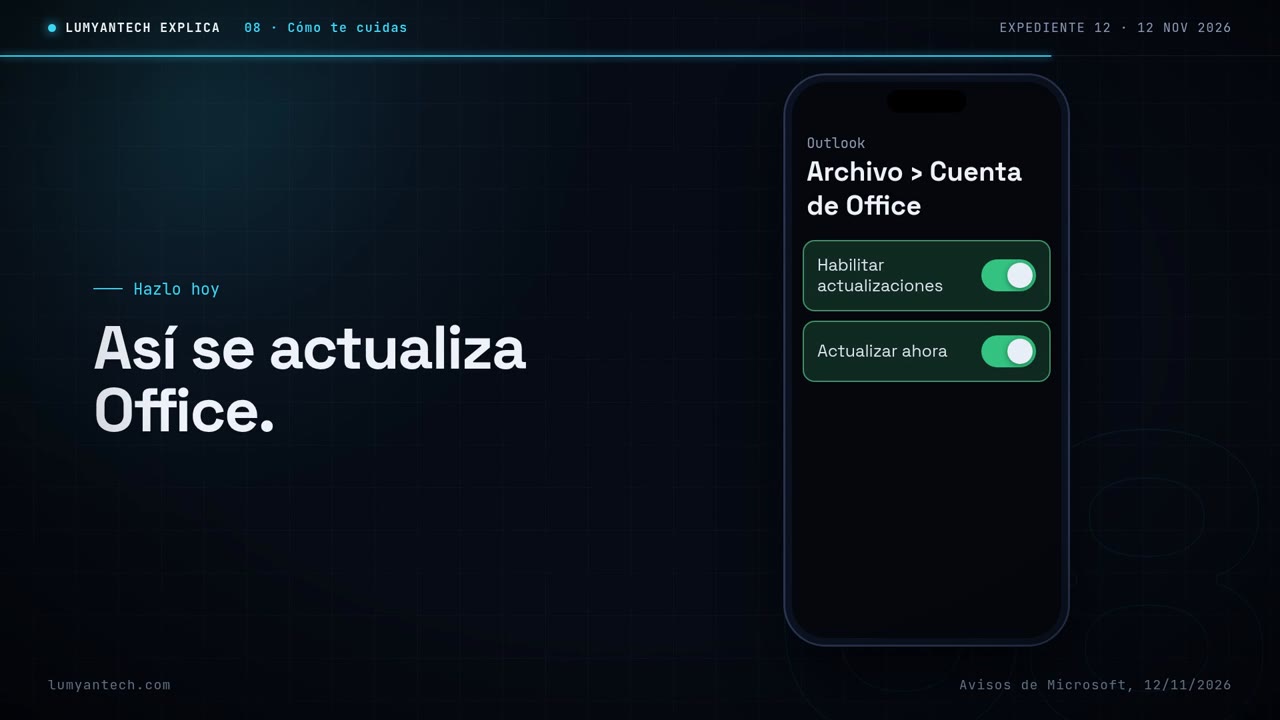
When Microsoft goes down, Microsoft fixes it, and any email asking you to open a file to reactivate your account is a trap.
Sources
- apnews.com · apnews.com
- securityweek.com · securityweek.com
- bleepingcomputer.com · bleepingcomputer.com
- tech.yahoo.com · tech.yahoo.com
- learn.microsoft.com · learn.microsoft.com
- msrc.microsoft.com · msrc.microsoft.com
Verified on November 12, 2026
Would you rather we handle it? Book a call